💬
Slack App Setup
Enterprise workspace collaboration and agentic task orchestration.
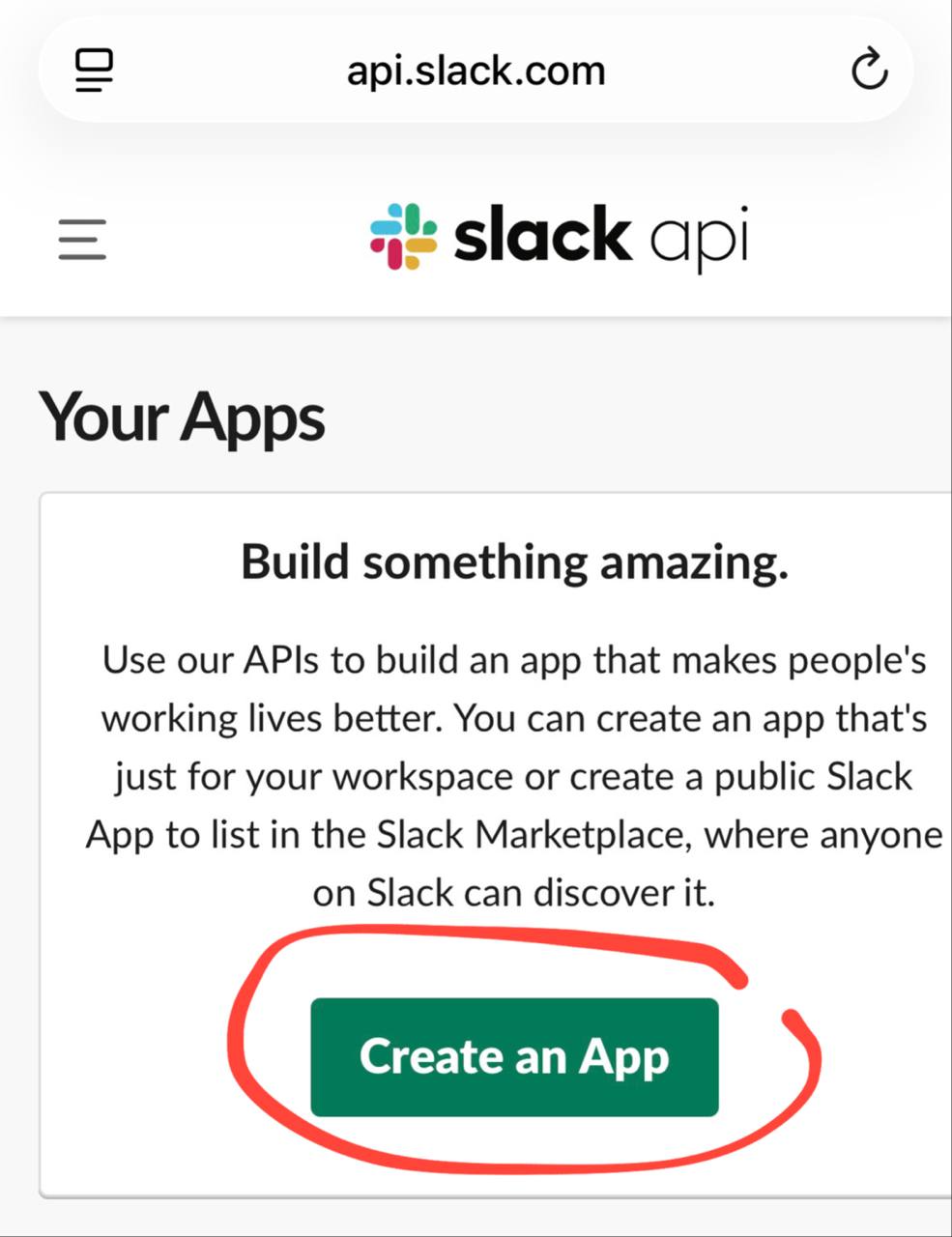
- Navigate to api.slack.com/apps ↗ and click Create New App.
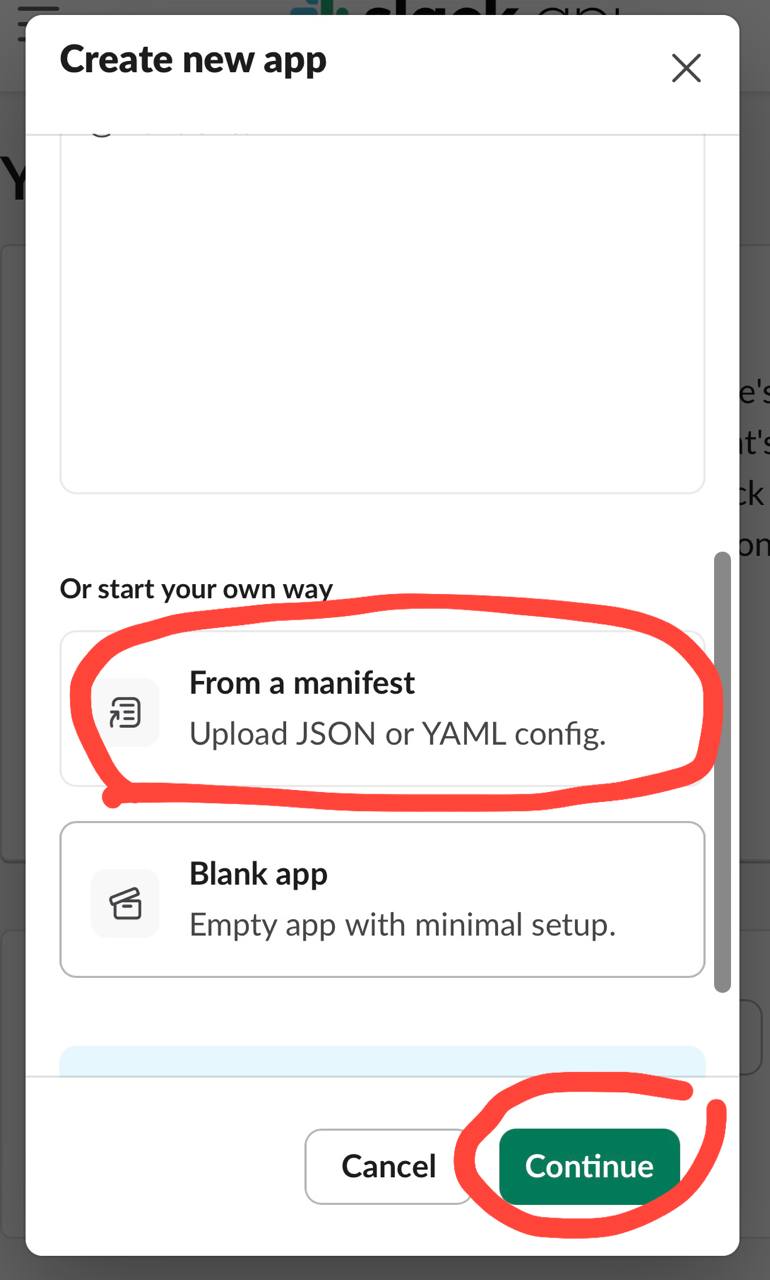
- Select From an app manifest.
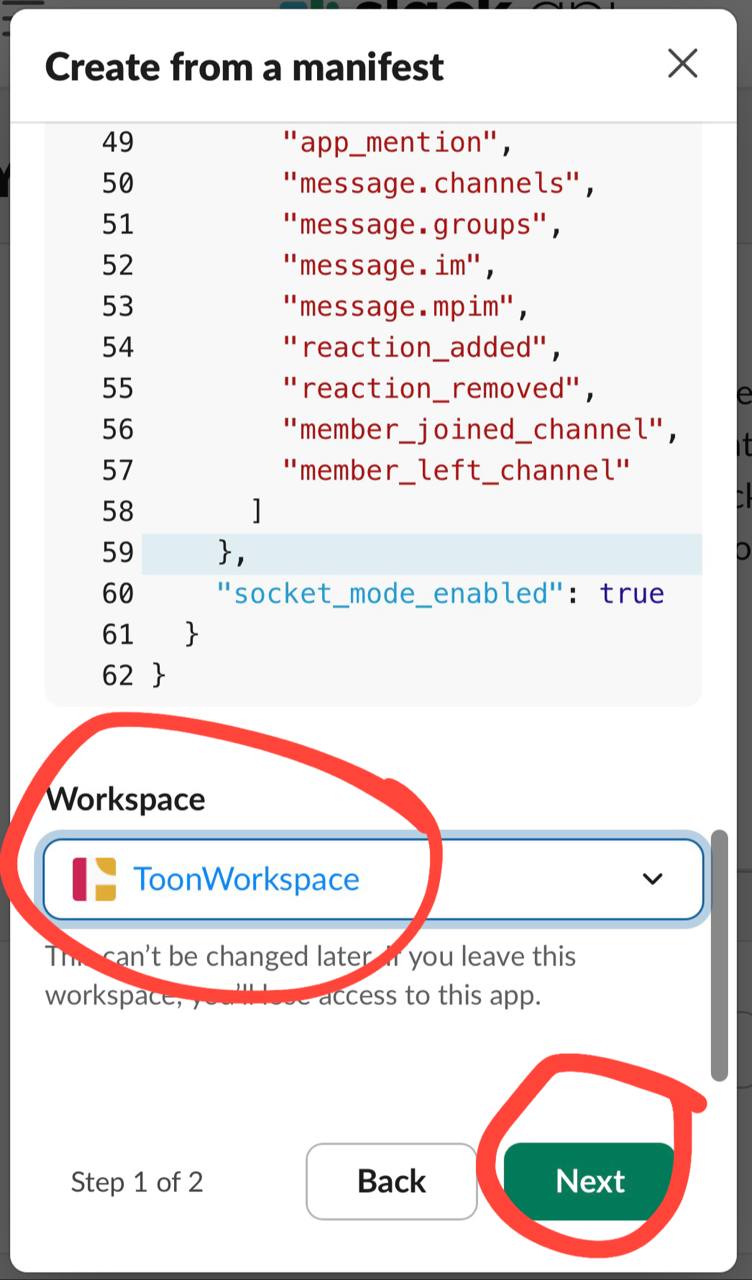
- Choose your target Slack Workspace.
- Paste the YAML/JSON manifest configuration provided for the workshop.
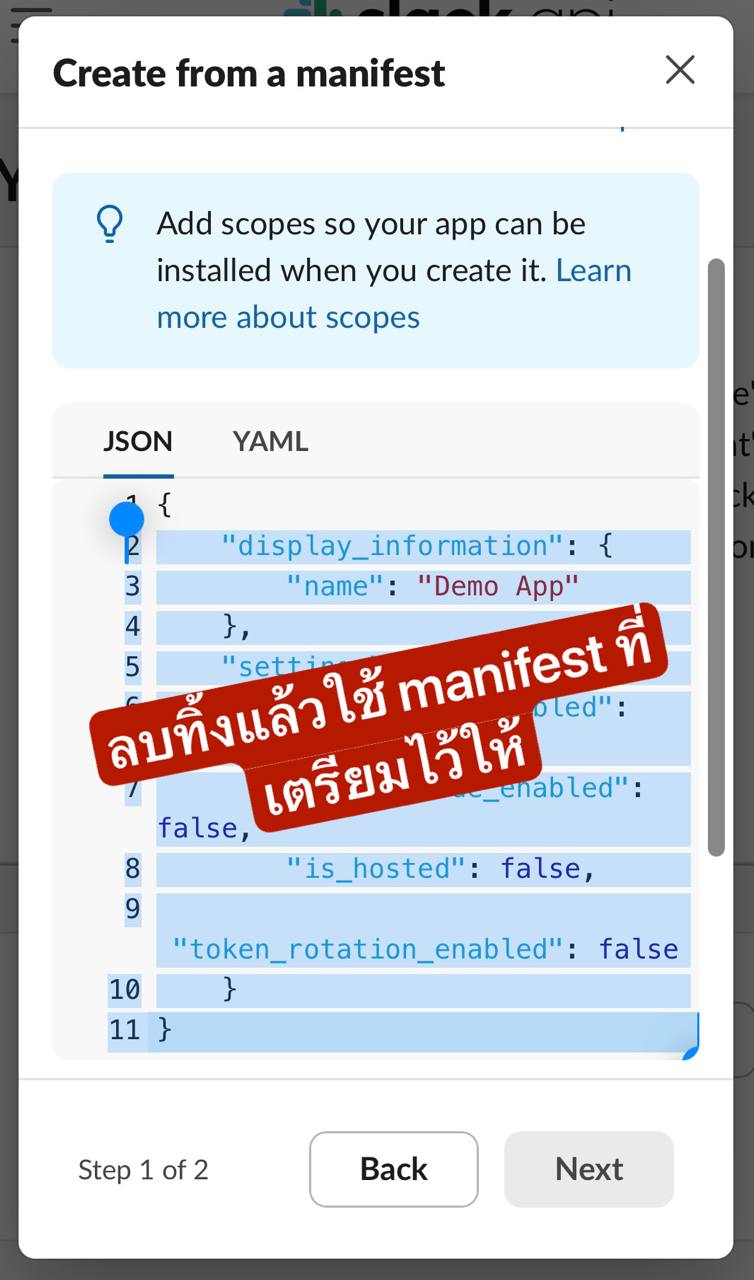
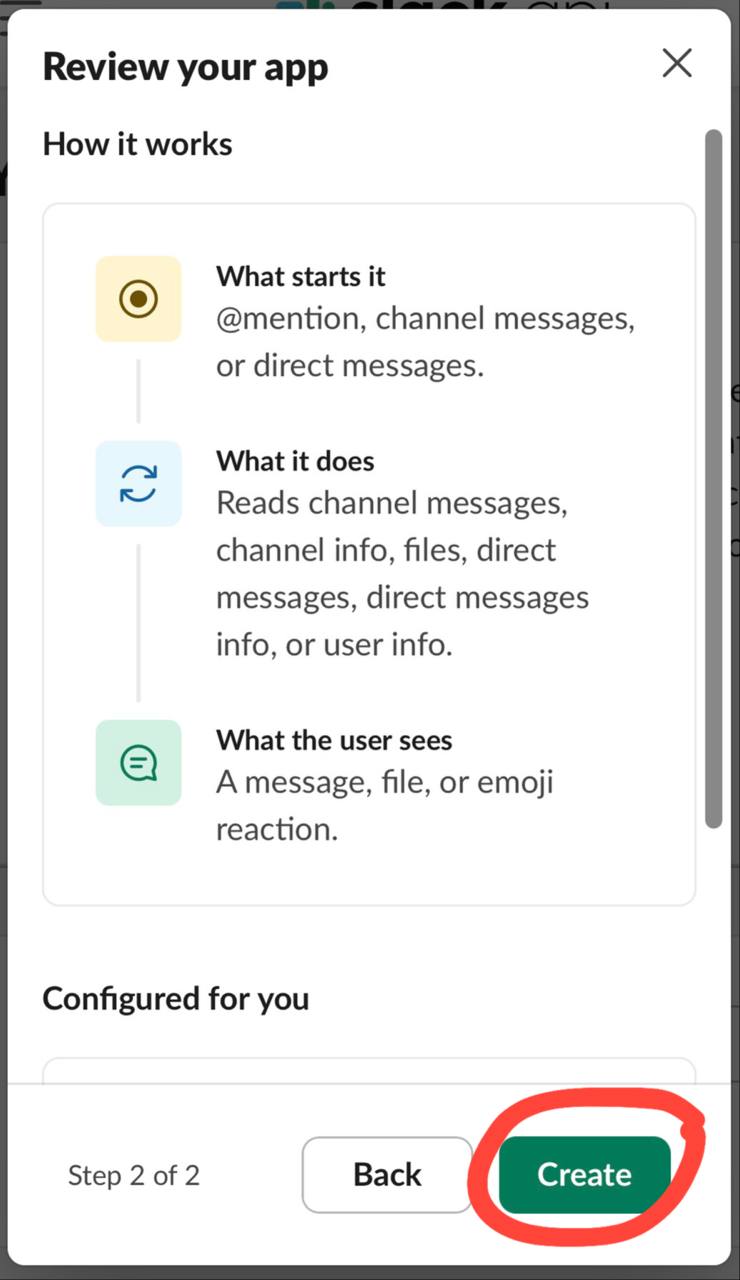
- Review and click Create.
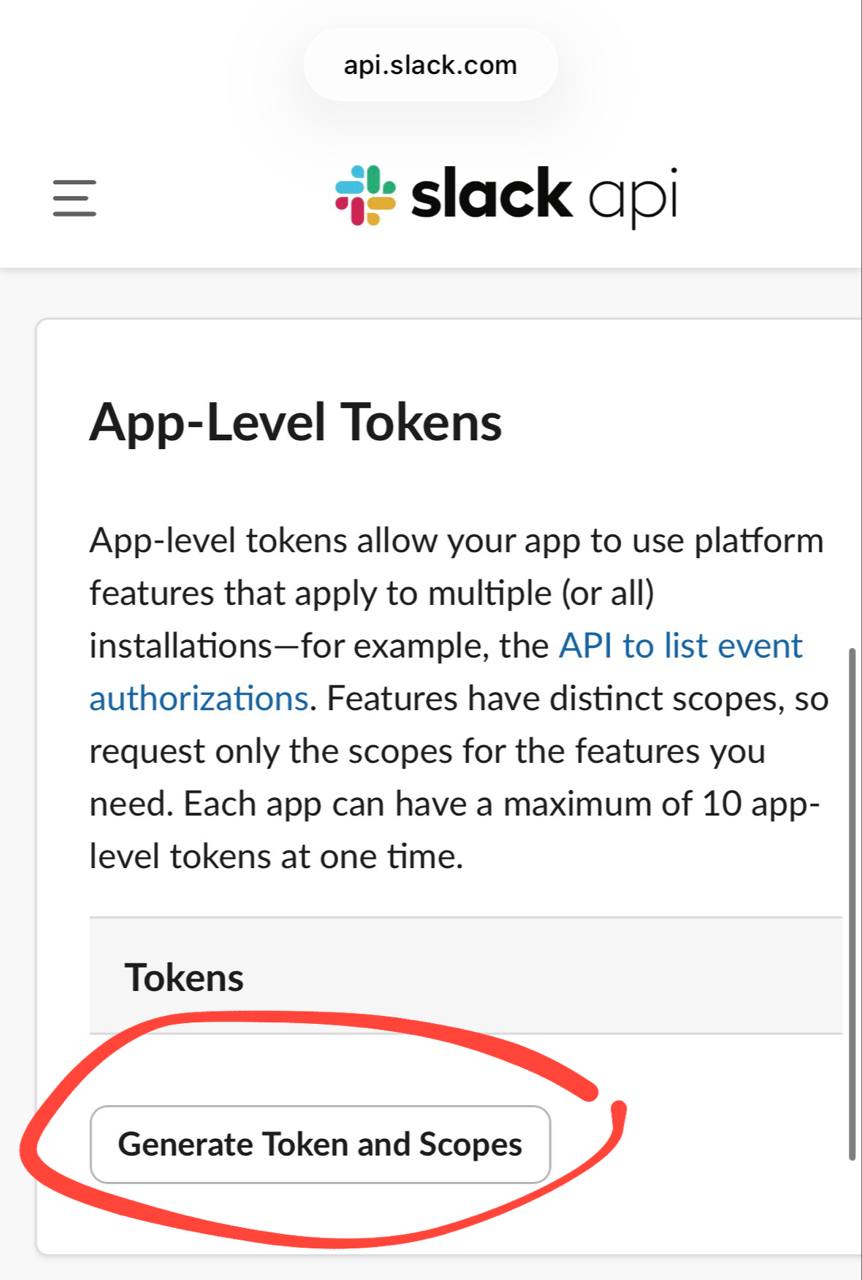
- Under App-Level Tokens, click Generate Token and Scopes.
- Add
connections:writescope and generate your App Token (prefixed withxapp-...).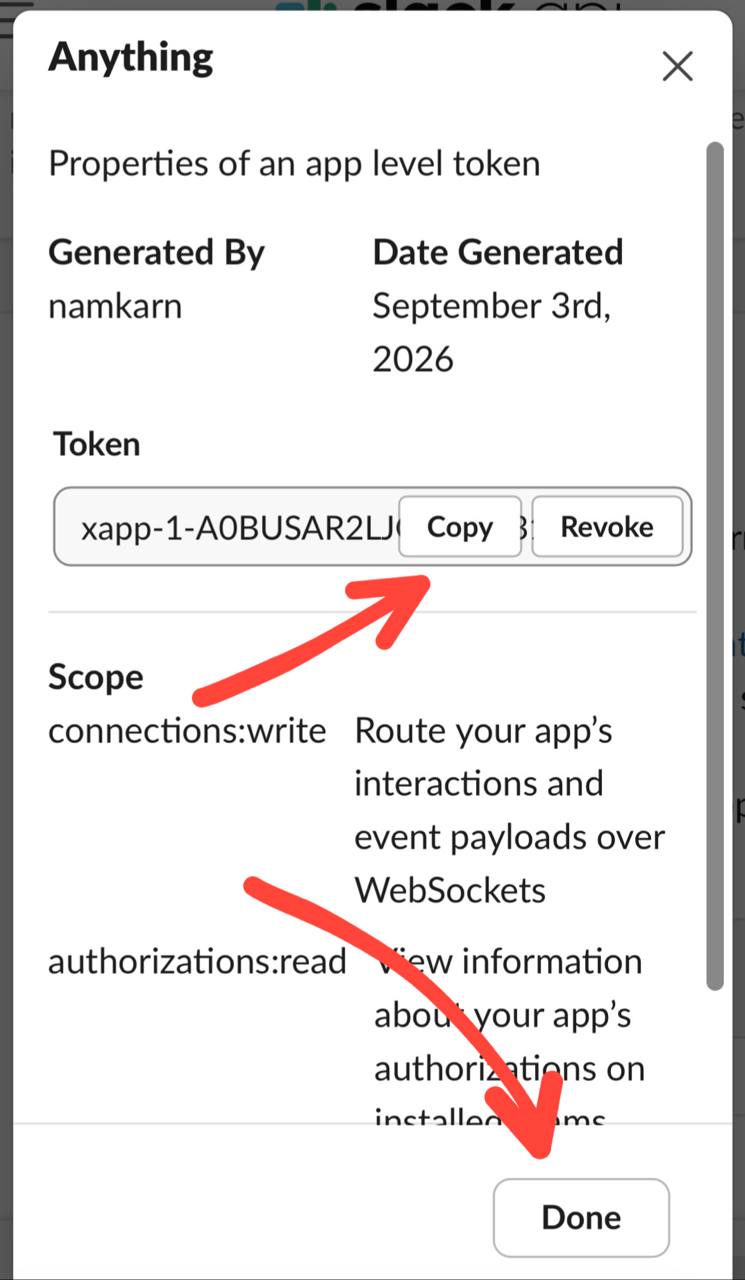
- Install the app to your workspace and copy your Bot User OAuth Token (prefixed with
xoxb-...).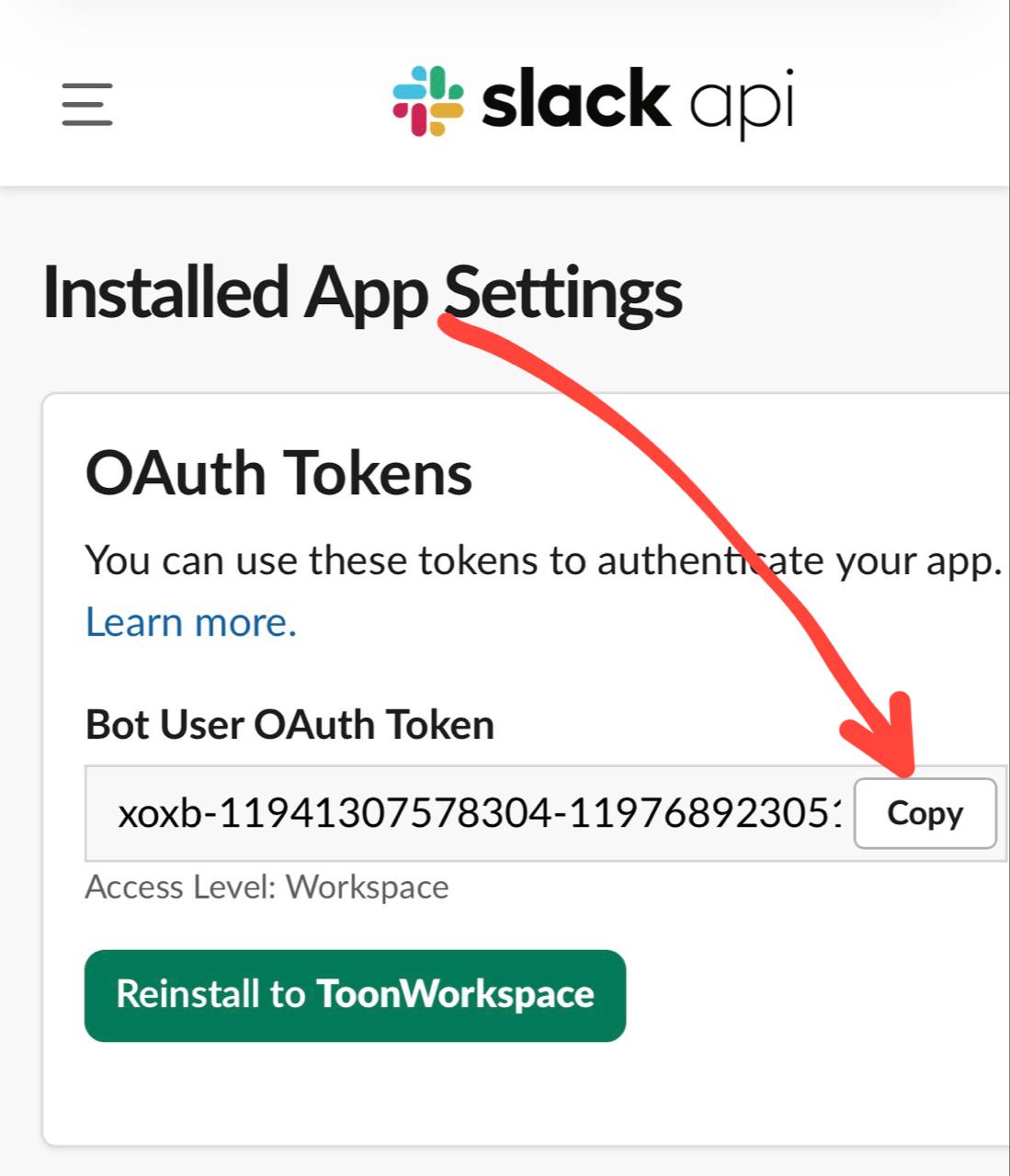
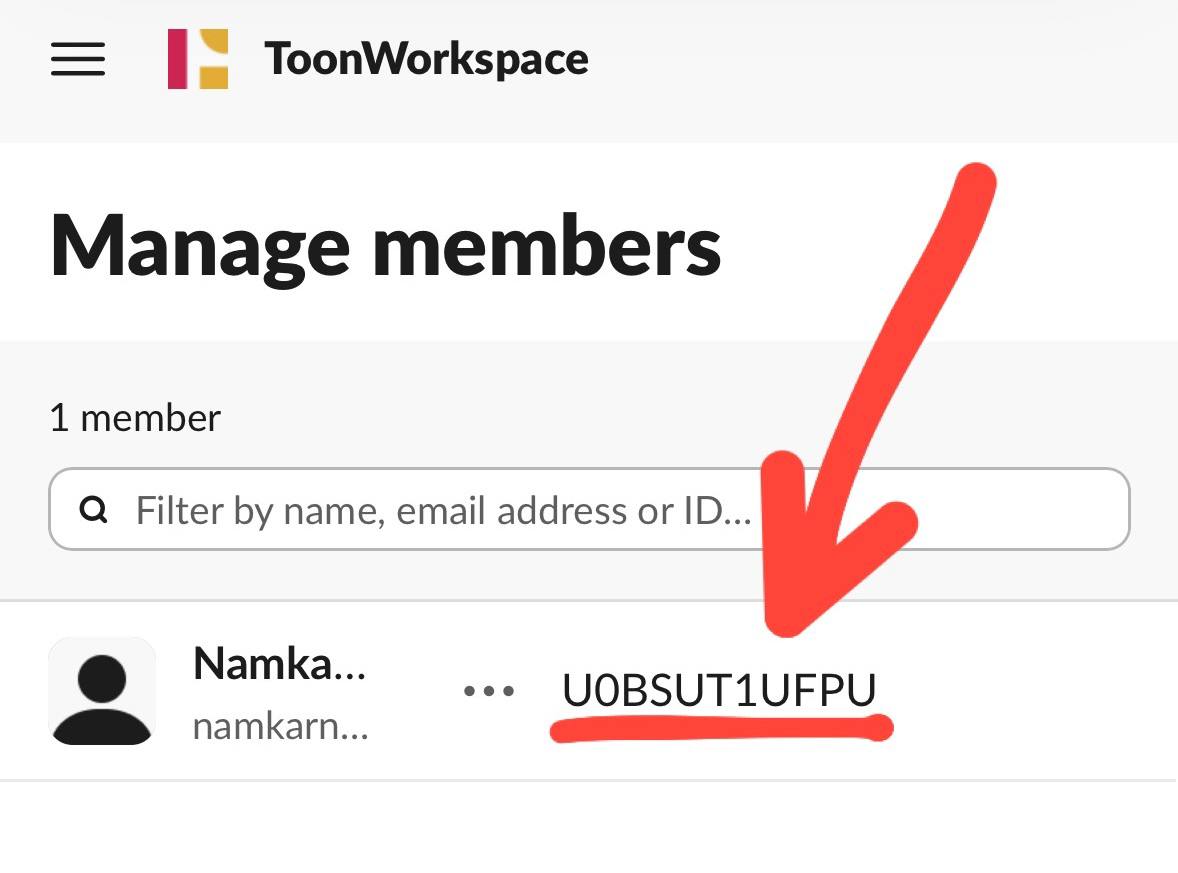
- Copy your personal Member ID from your Slack profile.
⚪ Credentials not provided yet