🎮
Discord Bot Setup
Deploy your autonomous agent into private servers and community channels.
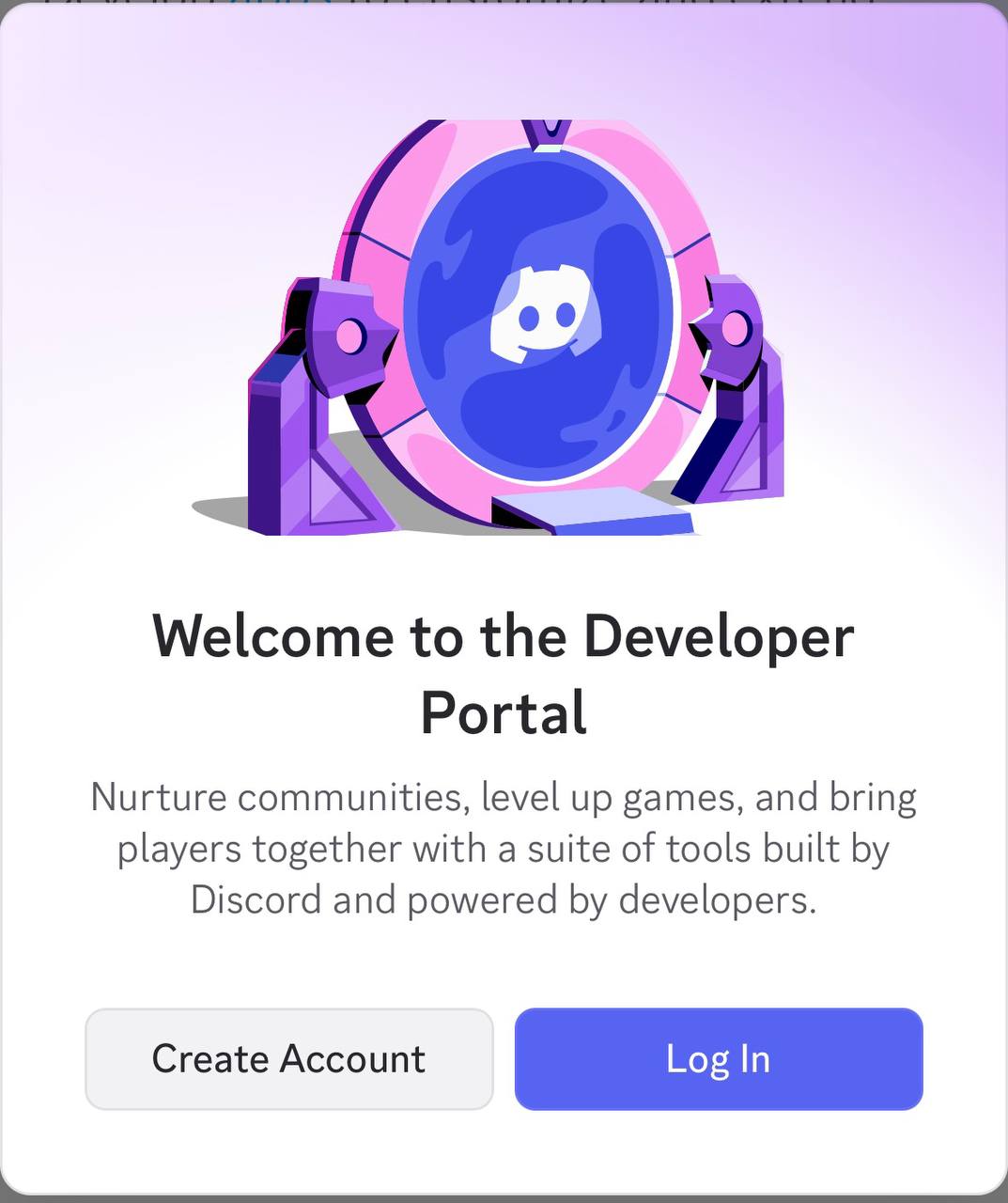
- Navigate to discord.com/developers ↗ and log in.
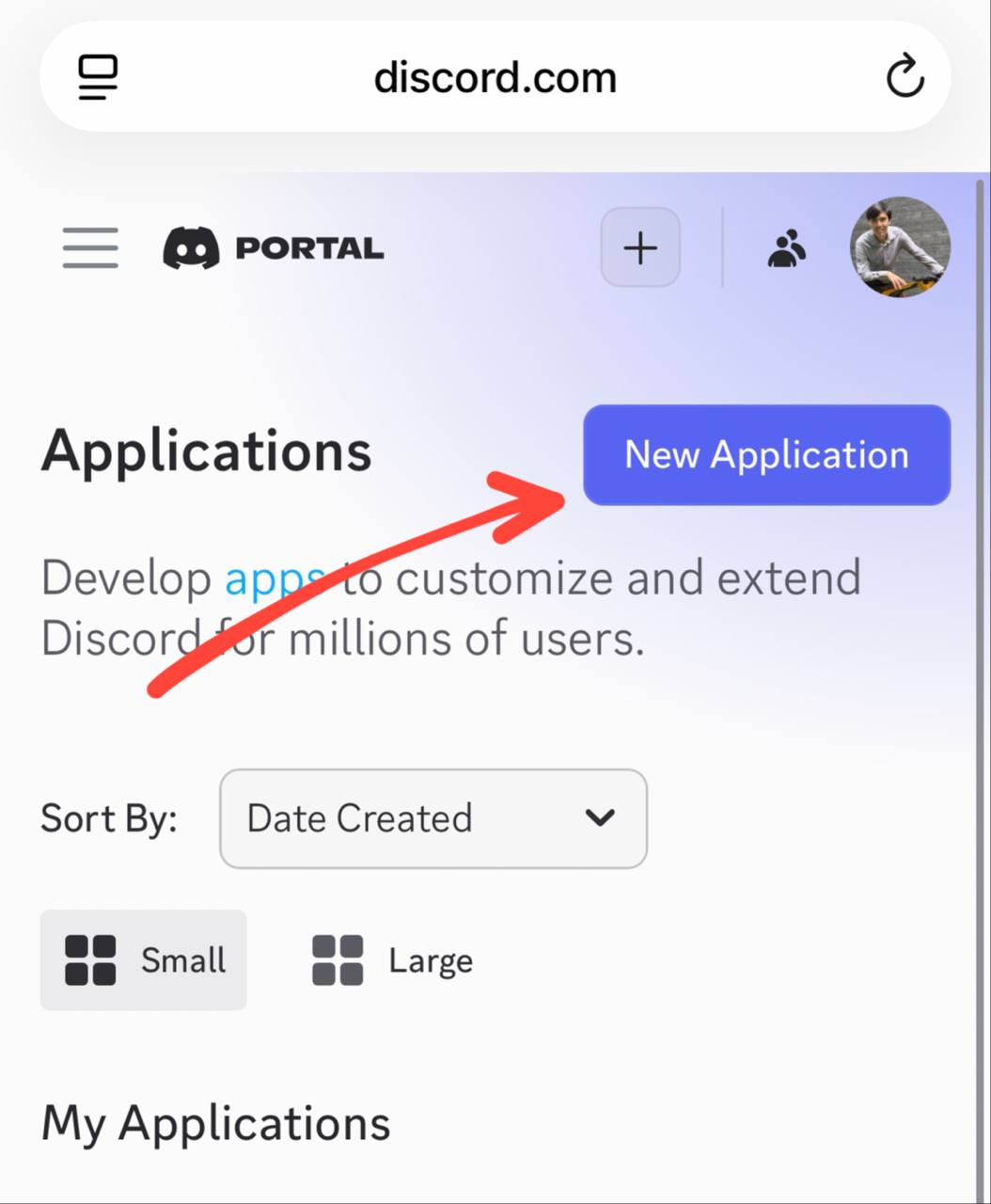
- Click New Application at the top right.
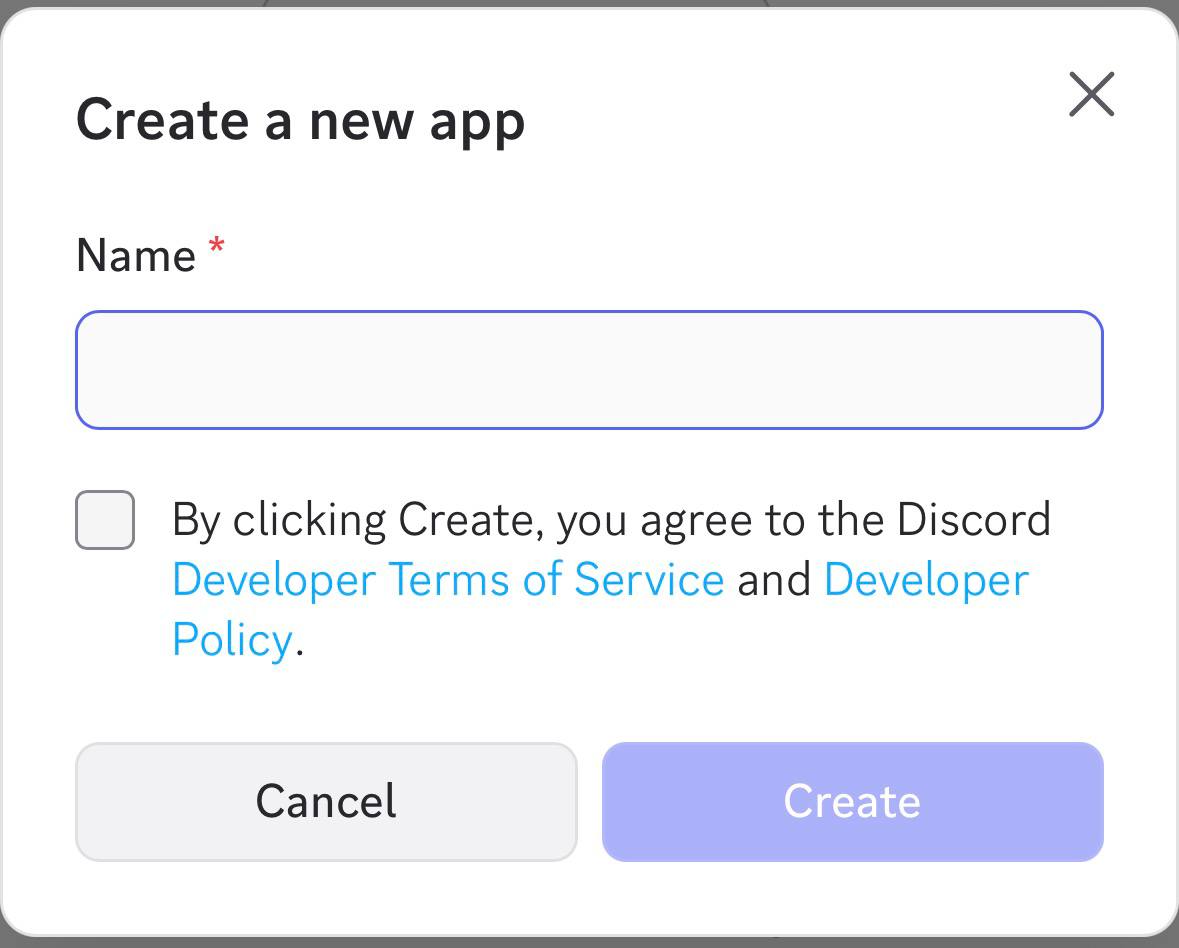
- Give your agent application a name, accept terms, and click Create.
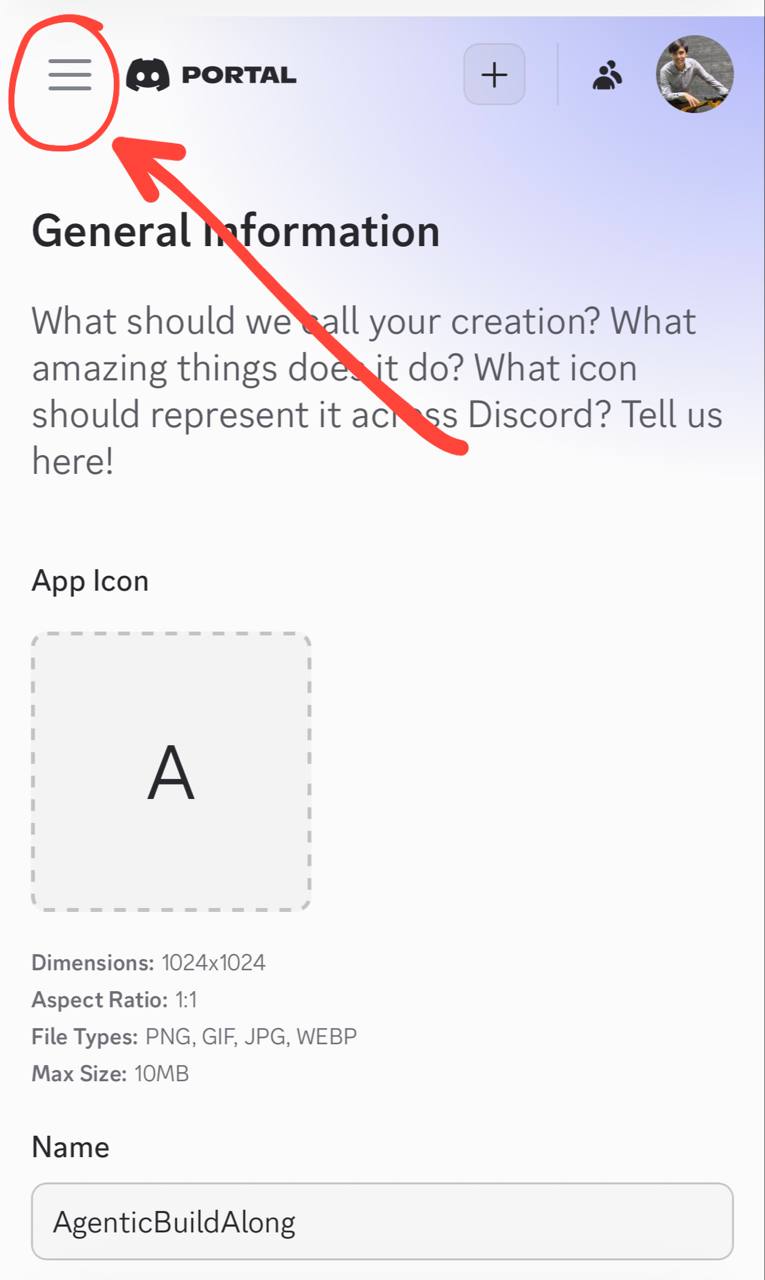
- In the left menu, select Installation.
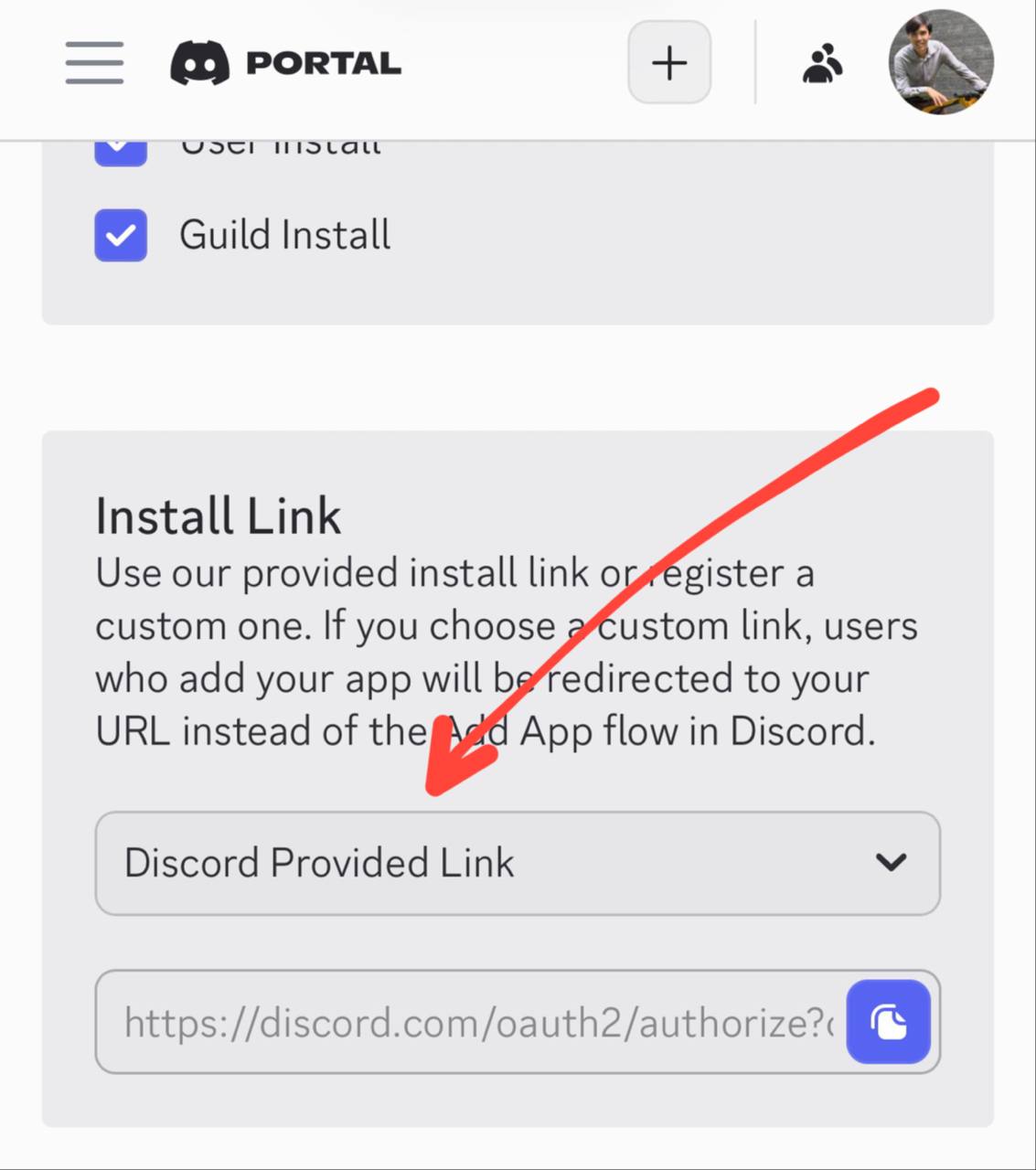
- Under Authorization Methods, configure Install Link to Discord Provided Link and select
botscope.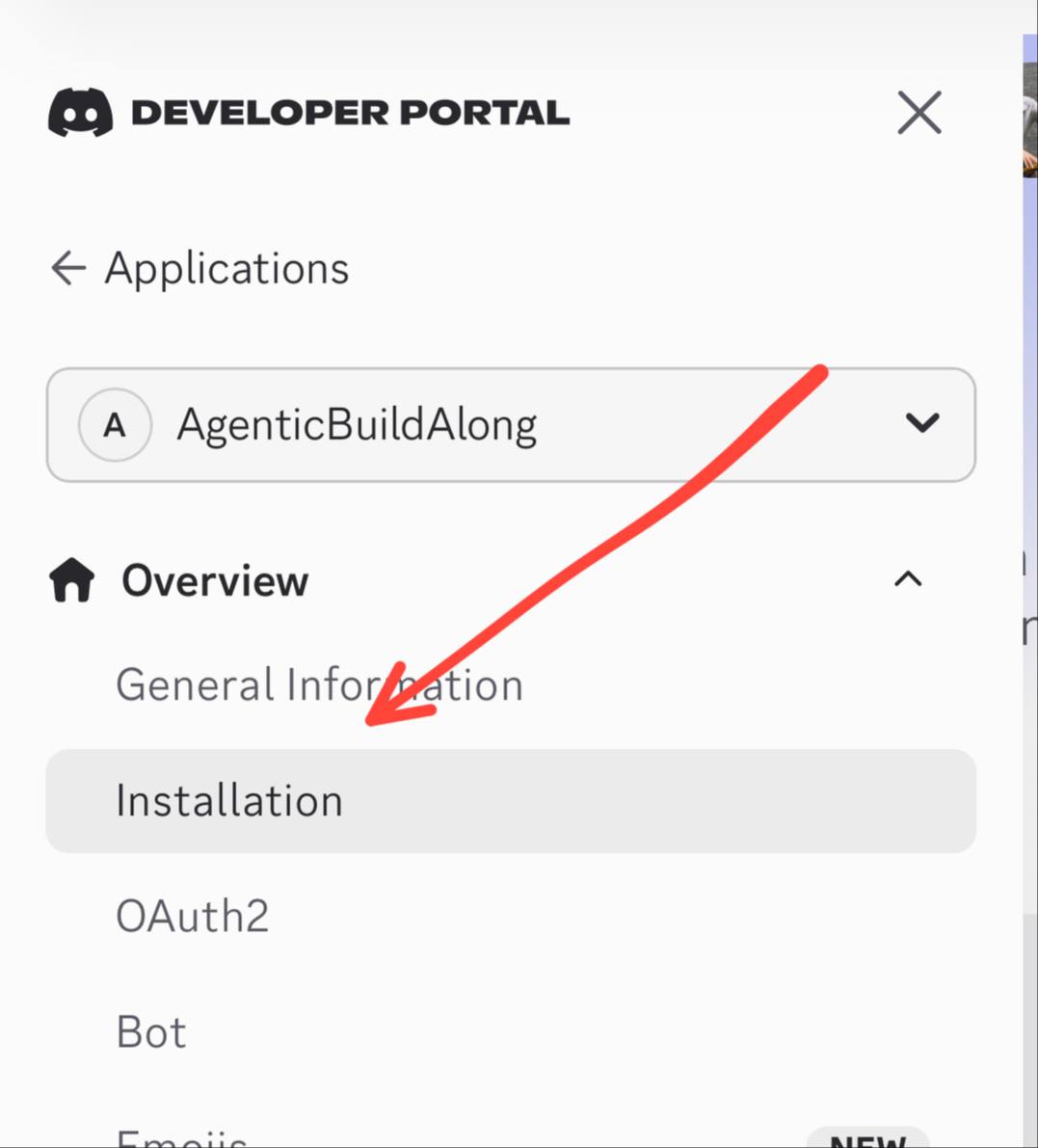
- Save changes and copy the generated Install Link.
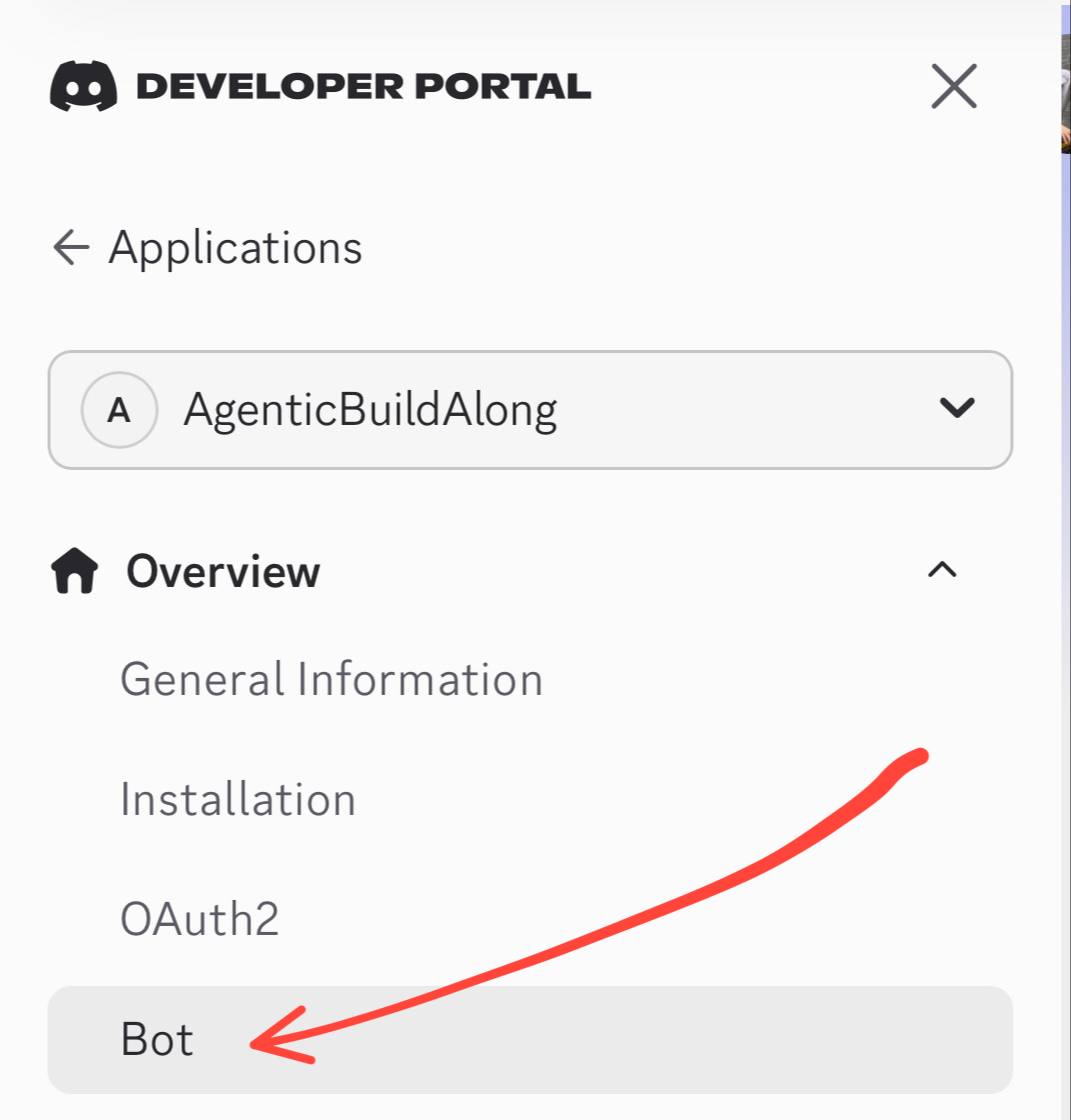
- In the left sidebar, navigate to Bot.
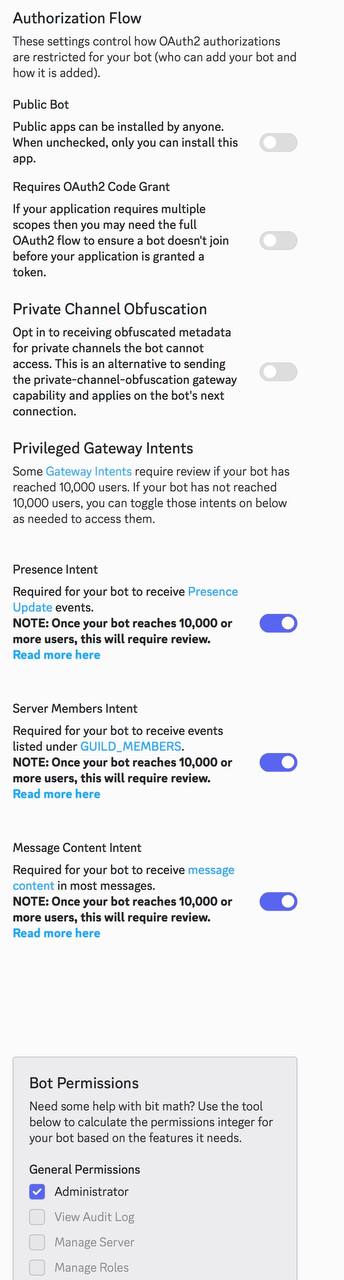
- Under Privileged Gateway Intents, enable Message Content Intent.
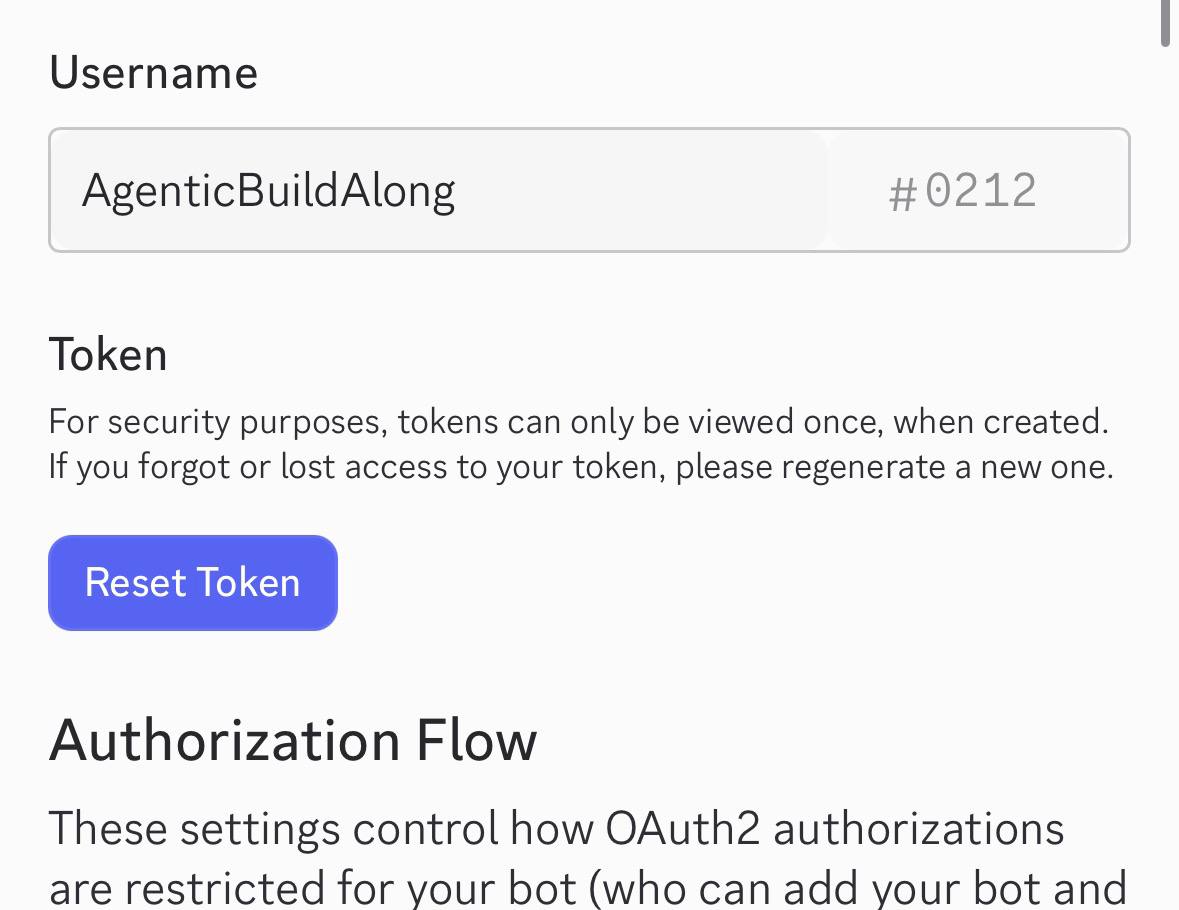
- Click Reset Token, authenticate, and copy your secret Bot Token.
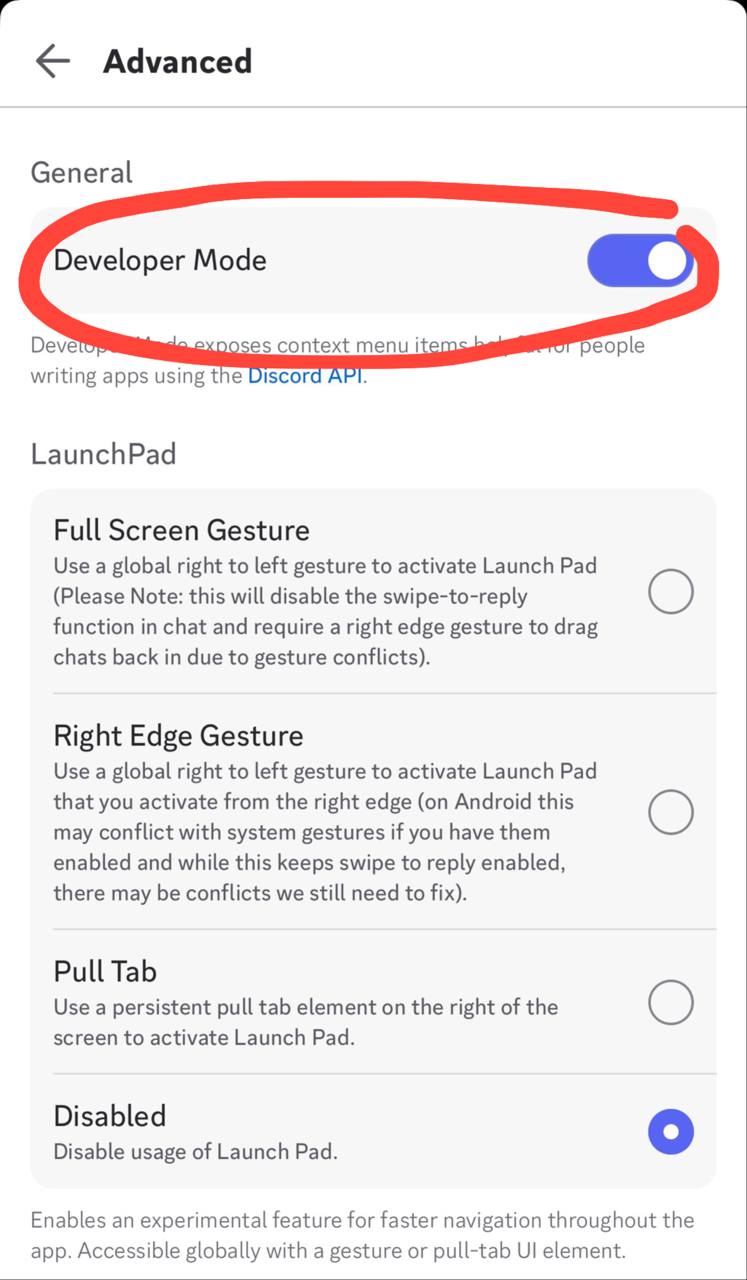
- Open your Discord app settings → Advanced → enable Developer Mode, right-click your account to Copy User ID.
⚪ Credentials not provided yet